
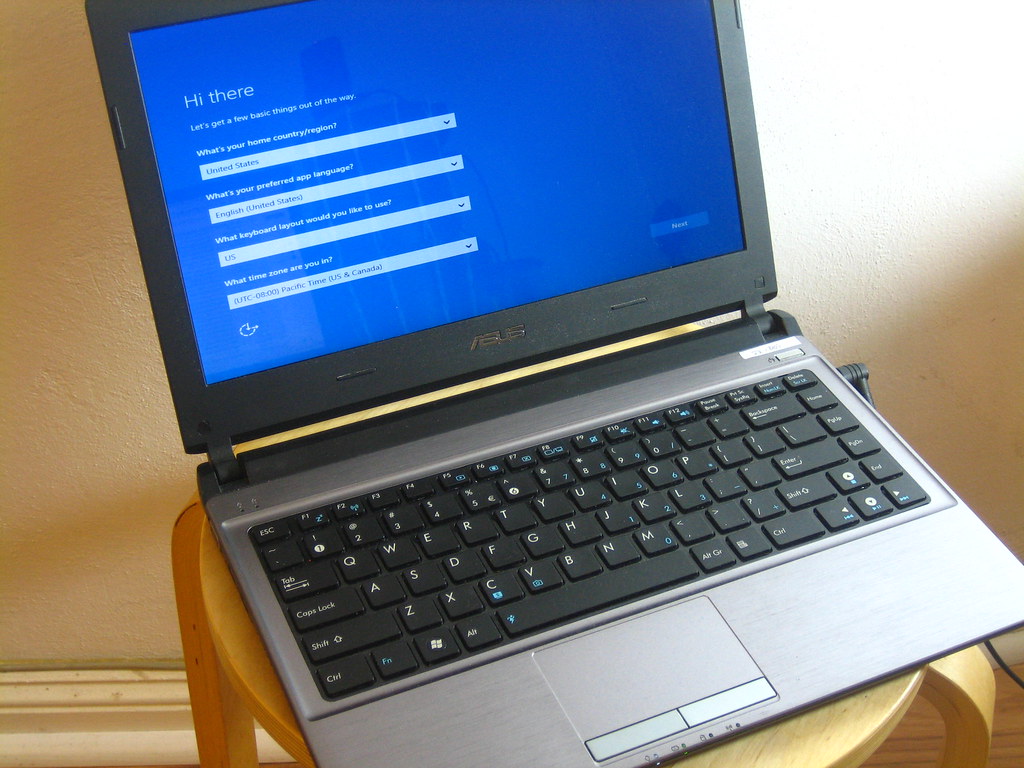
A fresh operating system installation can fix persistent slowdowns, errors, and stubborn malware.
Back up all files, note software license keys, and download needed drivers first. Modern Windows and Mac systems include built in reset or reinstall options.
Pin Tip
Keep a list of programs you use so reinstalling them goes quickly.
Before You Start
Back up important files before making changes, write down any error messages, and restart the device once to see if the problem clears. These simple steps solve many issues and give a technician useful information if you need help.
When to Call a Professional
If a repair involves opening a laptop, replacing parts, or recovering important data, a trusted local technician can save time and prevent costly mistakes. Ask for a written estimate before work begins.
Save this pin on PinGallery for quick reference, and find more tech tips and trusted local computer repair shops across Ohio.