
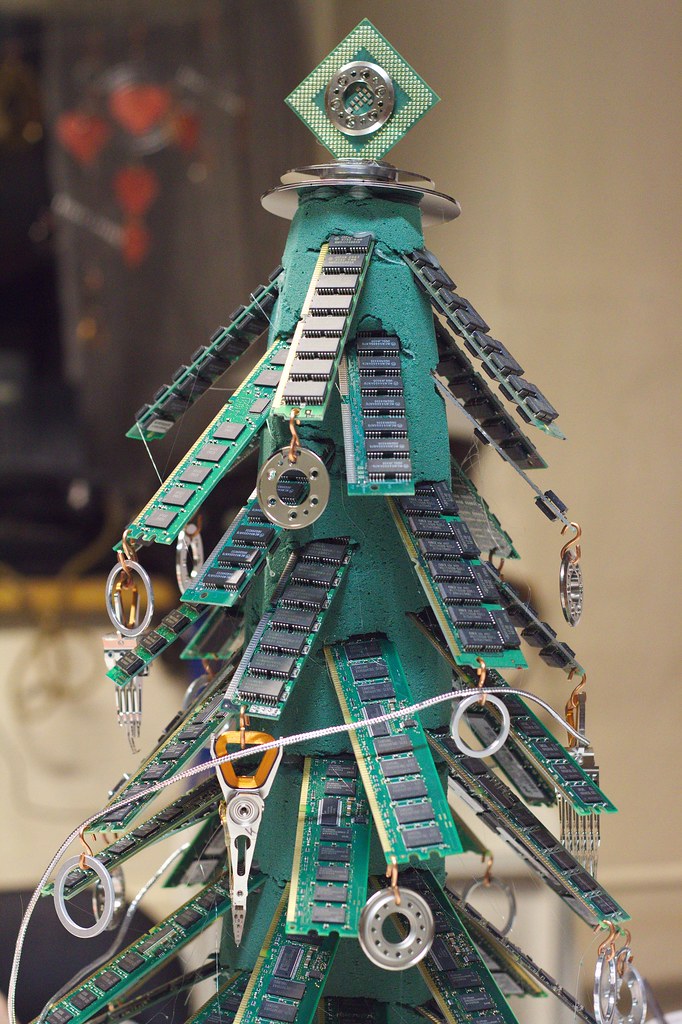
More memory helps when you keep many browser tabs or programs open at once. Many desktops and some laptops allow easy RAM upgrades.
Check your computer model to find the correct type, speed, and maximum supported memory. Install matching modules for best performance.
Pin Tip
Touch a metal surface before handling memory to discharge static electricity.
Before You Start
Back up important files before making changes, write down any error messages, and restart the device once to see if the problem clears. These simple steps solve many issues and give a technician useful information if you need help.
When to Call a Professional
If a repair involves opening a laptop, replacing parts, or recovering important data, a trusted local technician can save time and prevent costly mistakes. Ask for a written estimate before work begins.
Save this pin on PinGallery for quick reference, and find more tech tips and trusted local computer repair shops across Ohio.