
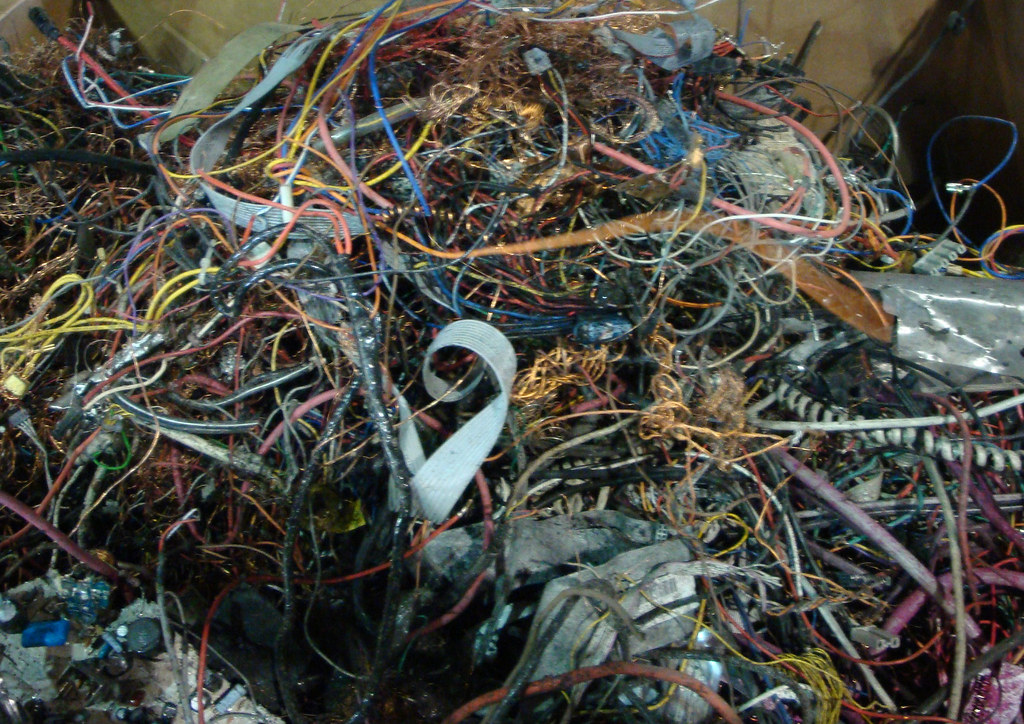
Old computers contain personal data and materials that should not go in the trash. Responsible recycling protects your privacy and the environment.
Back up anything you want to keep, then securely erase or remove the hard drive before recycling. Many electronics retailers and community programs accept old devices.
Pin Tip
Physically destroying an old hard drive is the surest way to protect sensitive data.
Before You Start
Back up important files before making changes, write down any error messages, and restart the device once to see if the problem clears. These simple steps solve many issues and give a technician useful information if you need help.
When to Call a Professional
If a repair involves opening a laptop, replacing parts, or recovering important data, a trusted local technician can save time and prevent costly mistakes. Ask for a written estimate before work begins.
Save this pin on PinGallery for quick reference, and find more tech tips and trusted local computer repair shops across Ohio.