
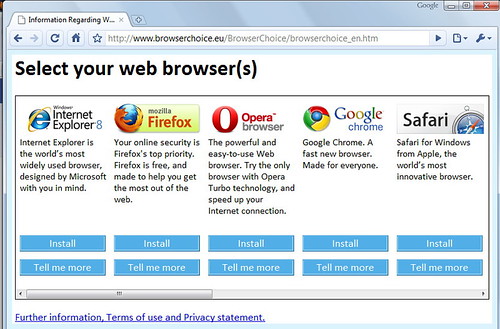
Too many extensions, cached files, and open tabs can slow your browser and create security risks.
Remove extensions you do not recognize or use, clear old cache data, and keep the browser updated. Resetting the browser can fix persistent problems.
Pin Tip
Only install extensions from official browser stores and trusted developers.
Before You Start
Back up important files before making changes, write down any error messages, and restart the device once to see if the problem clears. These simple steps solve many issues and give a technician useful information if you need help.
When to Call a Professional
If a repair involves opening a laptop, replacing parts, or recovering important data, a trusted local technician can save time and prevent costly mistakes. Ask for a written estimate before work begins.
Save this pin on PinGallery for quick reference, and find more tech tips and trusted local computer repair shops across Ohio.