
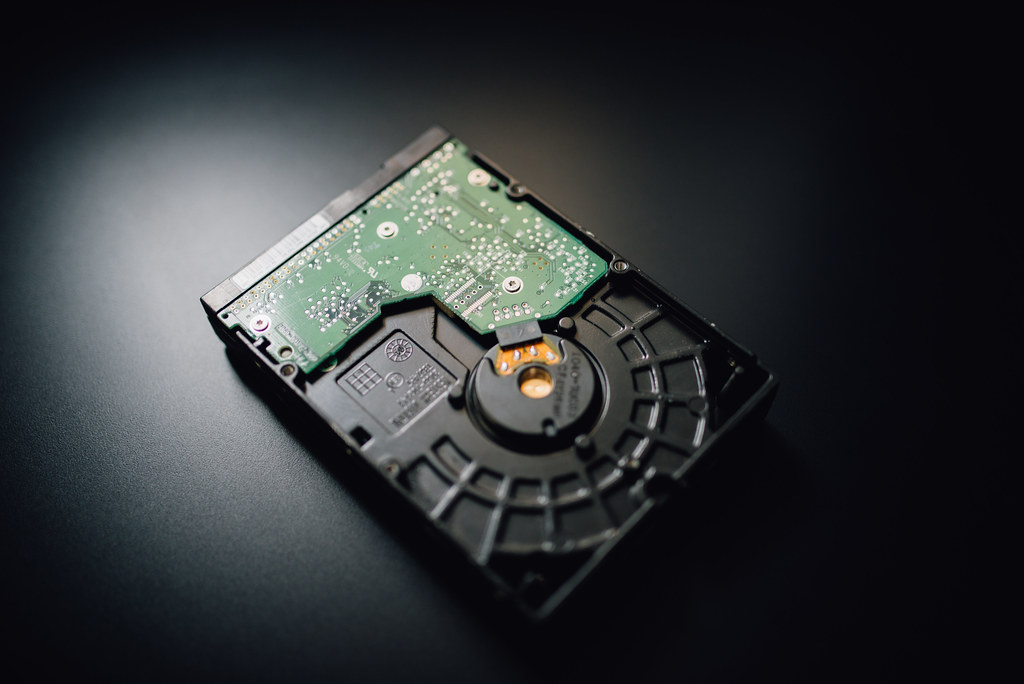
Hard drives and SSDs often give warning signs before failing, such as slow performance, clicking sounds, or frequent errors.
Free tools can read drive health data and alert you to problems. If warnings appear, back up immediately and plan to replace the drive.
Pin Tip
A clicking hard drive should be turned off and backed up or sent for recovery right away.
Before You Start
Back up important files before making changes, write down any error messages, and restart the device once to see if the problem clears. These simple steps solve many issues and give a technician useful information if you need help.
When to Call a Professional
If a repair involves opening a laptop, replacing parts, or recovering important data, a trusted local technician can save time and prevent costly mistakes. Ask for a written estimate before work begins.
Save this pin on PinGallery for quick reference, and find more tech tips and trusted local computer repair shops across Ohio.